Installation guide for Backlink Monitor
This guide walks you through installing the Backlink Monitor add-on for Google Sheets™ and understanding the authorization process.
How to install the add-on
- Visit Backlink Monitor on Google Workspace Marketplace
- Click the Install button
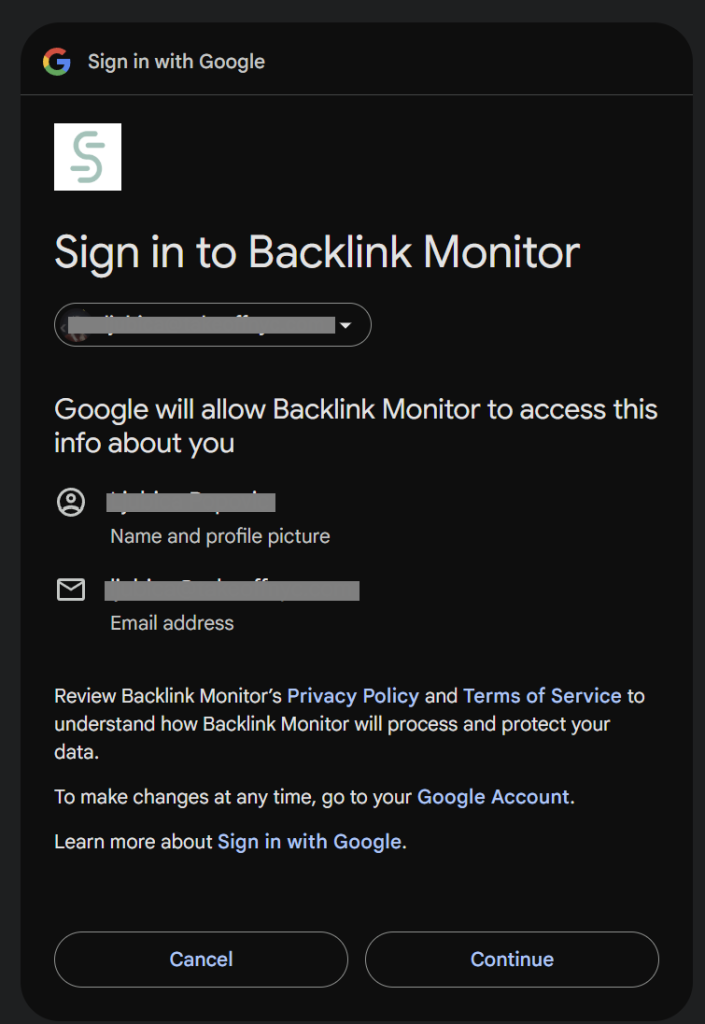
- Select your Google account when prompted
- Click Continue
Authorization process
Google will show you a permissions screen like the one below. Select all permissions and click Continue — each one is required for the add-on to work properly.
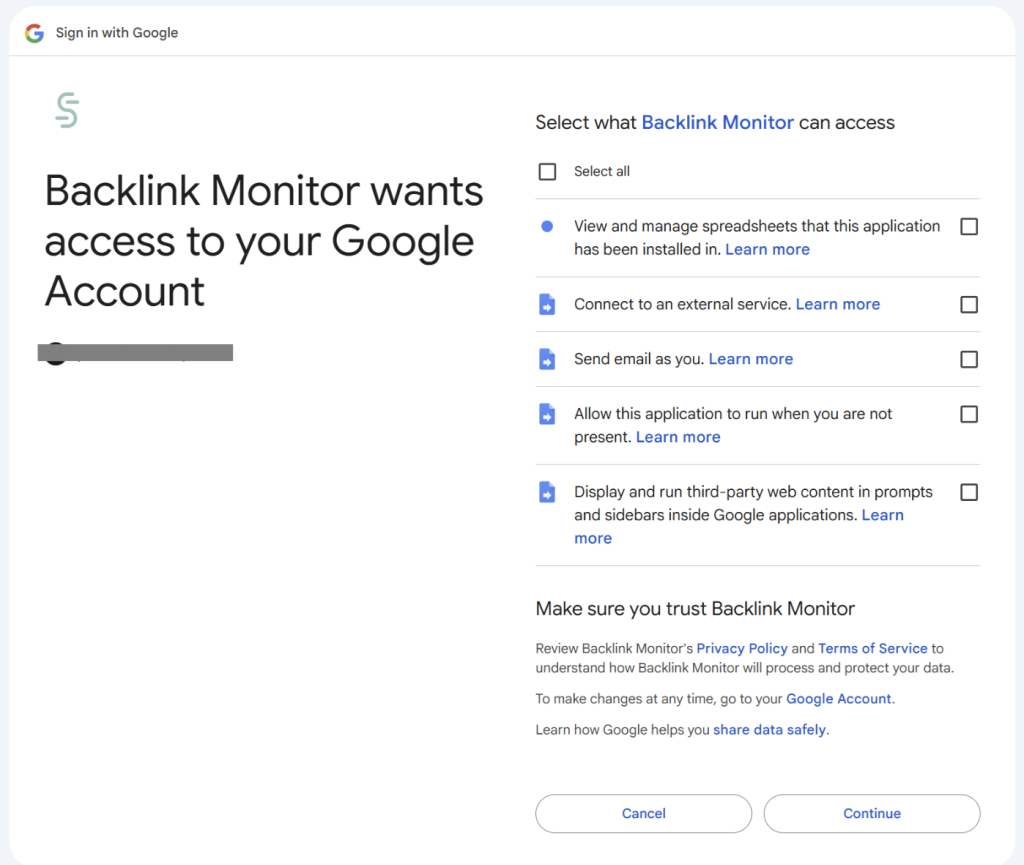
- All requested permissions are necessary for core add-on functionality
- Backlink Monitor follows the principle of least privilege
- Your data remains in your Google Workspace™ environment
- We don’t store your backlink data outside of your spreadsheets
For more information, read our privacy policy and terms of service.
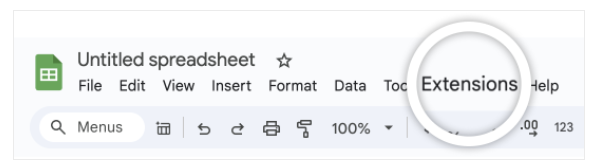
Where to find Backlink Monitor
You can find Backlink Monitor as a Google Spreadsheet Add-on: